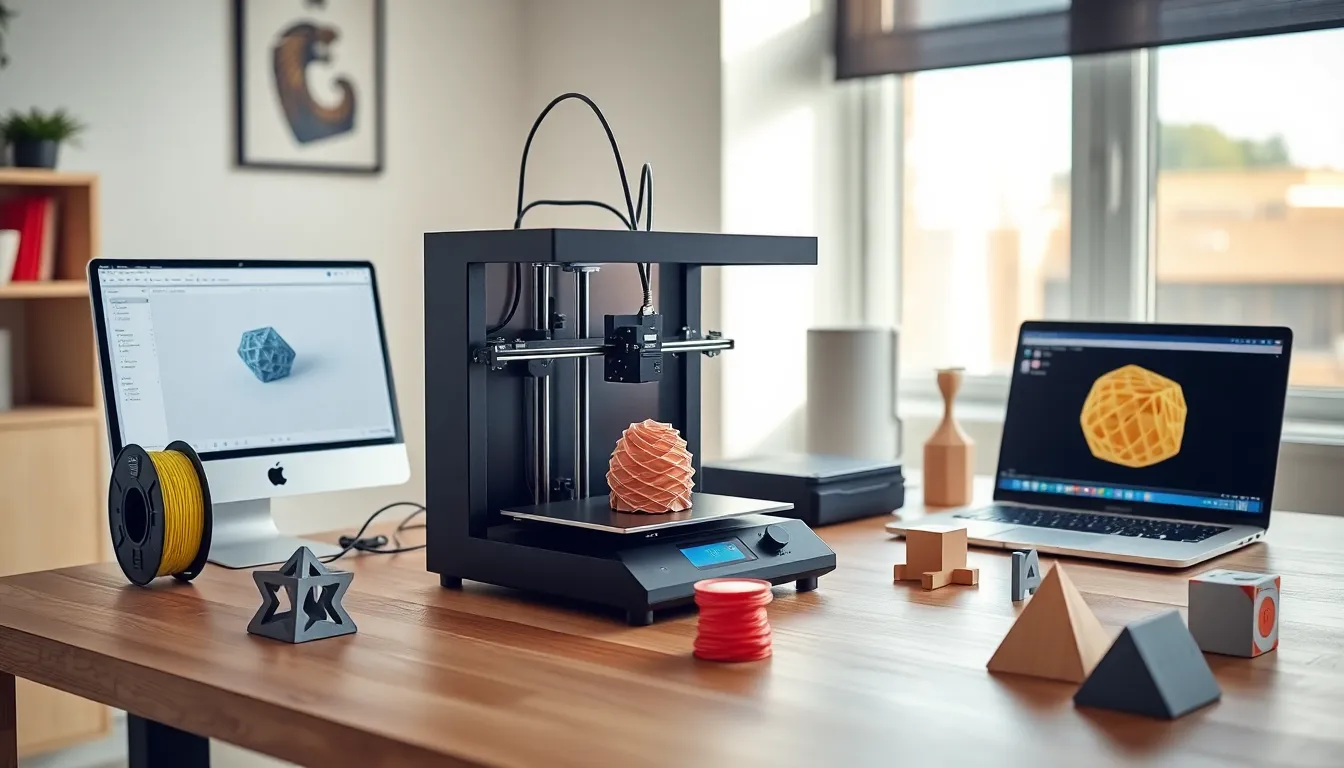
A 3D printing guide can transform how hobbyists, creators, and entrepreneurs bring ideas to life. This technology turns digital designs into physical objects, layer by layer. It sounds futuristic, but millions of people now use 3D printers at home.
Whether someone wants to print custom tools, replacement parts, or artistic creations, 3D printing offers endless possibilities. This guide covers the fundamentals: how the technology works, which printers suit beginners, what materials to use, and how to complete that first successful print. By the end, readers will have a clear roadmap to start their 3D printing journey.
Table of Contents
ToggleKey Takeaways
- 3D printing builds objects layer by layer using additive manufacturing, turning digital designs into physical creations at home.
- FDM printers are the best choice for beginners due to their affordability, simple workflow, and safer materials like PLA filament.
- Proper bed leveling and surface preparation are critical first steps to prevent failed prints and wasted materials.
- PLA filament is ideal for new users because it prints at lower temperatures, produces minimal odor, and forgives common mistakes.
- Start with calibration cubes and test prints to identify problems before committing to longer, more complex projects.
- Regular maintenance—cleaning the nozzle, lubricating parts, and checking belt tension—keeps your 3D printer producing consistent results.
How 3D Printing Works
3D printing builds objects by adding material layer by layer. This process is called additive manufacturing. Traditional manufacturing removes material (like carving wood or machining metal). 3D printing does the opposite, it adds material until the object is complete.
The process starts with a 3D model. Users create these models in CAD software or download them from online repositories like Thingiverse or Printables. The model file gets converted into instructions the printer can read. This conversion happens through slicing software, which divides the model into thin horizontal layers.
Once sliced, the printer follows these instructions precisely. Most consumer 3D printers use a heated nozzle to melt plastic filament. The nozzle moves across a build plate, depositing thin lines of melted material. Each layer bonds to the one below it. After dozens or hundreds of layers, the finished object emerges.
Print times vary based on size, complexity, and layer height. A small keychain might take 30 minutes. A detailed figurine could require 8 hours or more. The 3D printing process rewards patience, but the results speak for themselves.
Types of 3D Printers for Beginners
Beginners have several 3D printer types to choose from. Each technology has distinct advantages.
FDM (Fused Deposition Modeling)
FDM printers dominate the consumer market. They melt plastic filament and extrude it through a heated nozzle. These machines are affordable, easy to maintain, and use inexpensive materials. Popular beginner models include the Creality Ender 3, Prusa Mini, and Bambu Lab A1 Mini. FDM printers work well for functional parts, prototypes, and everyday prints.
Resin Printers (SLA/MSLA)
Resin printers use liquid photopolymer resin cured by UV light. They produce incredibly detailed prints with smooth surfaces. This makes them ideal for miniatures, jewelry, and dental models. But, resin printing requires more cleanup, proper ventilation, and careful handling of chemicals. The Elegoo Mars and Anycubic Photon series offer affordable entry points.
Which Should Beginners Choose?
Most beginners start with FDM printers. The lower cost, simpler workflow, and safer materials make FDM the practical choice for learning. Those specifically interested in high-detail miniatures or artistic work might prefer resin. Either way, modern 3D printers have become remarkably user-friendly.
Essential Materials and Filaments
Material selection affects print quality, strength, and appearance. This 3D printing guide focuses on the most common options.
PLA (Polylactic Acid)
PLA is the go-to filament for beginners. It prints at lower temperatures, doesn’t warp easily, and produces minimal odor. PLA comes from renewable resources like cornstarch. It works great for decorative items, prototypes, and general-purpose prints. The downside? PLA softens in heat and breaks under heavy stress.
PETG
PETG offers a middle ground between ease of printing and durability. It resists impact better than PLA and handles higher temperatures. Food-safe versions exist for kitchen items. PETG requires slightly higher print temperatures and a heated bed.
ABS (Acrylonitrile Butadiene Styrene)
ABS is tough and heat-resistant. LEGO bricks are made from ABS. But, it warps easily, produces strong fumes, and needs an enclosed printer for best results. Beginners often struggle with ABS until they gain experience.
TPU (Thermoplastic Polyurethane)
TPU creates flexible, rubber-like prints. Phone cases, gaskets, and wearables benefit from TPU’s elasticity. Printing flexible filaments requires slower speeds and specific printer modifications.
New users should stock up on PLA first. It forgives mistakes and teaches proper technique before moving to more demanding materials.
Setting Up Your First 3D Print
Getting that first print right requires attention to a few key steps.
Level the Build Plate
Proper bed leveling is crucial. The nozzle must maintain consistent distance from the build surface across the entire print area. Most printers include manual leveling with adjustment knobs. Some newer models feature automatic bed leveling. Either way, this step prevents failed prints and wasted filament.
Prepare the Print Surface
Prints need to stick to the bed during printing but release cleanly afterward. Clean glass or PEI sheets work well for most materials. Some users apply glue stick or hairspray for extra adhesion. PLA typically sticks without additives on heated beds around 60°C.
Slice the Model
Download slicing software like Cura, PrusaSlicer, or Bambu Studio. Import the 3D model file. Choose settings appropriate for the material and desired quality. Key parameters include layer height (0.2mm is standard), print speed, and temperature. The slicer generates G-code, the instructions the printer follows.
Start Simple
Beginners should print calibration cubes and test models first. These quick prints reveal problems before committing to longer projects. A 20mm calibration cube takes about 30 minutes and tests dimensional accuracy. Once test prints succeed, users can tackle more ambitious projects with confidence.
Common Mistakes and How to Avoid Them
Every 3D printing beginner makes mistakes. Recognizing common problems saves time and frustration.
Poor Bed Adhesion
Prints that pop off the bed mid-print ruin hours of work. Solutions include proper bed leveling, cleaning the surface with isopropyl alcohol, increasing bed temperature, and using adhesion aids like brims or rafts in the slicer settings.
Stringing and Oozing
Thin strings of plastic between parts look messy. This happens when molten filament leaks during travel moves. Adjusting retraction settings in the slicer usually fixes stringing. Higher retraction distance and speed pull filament back into the nozzle during moves.
Wrong Temperature Settings
Every filament brand prints best at specific temperatures. Even two PLA brands might need different settings. Start with manufacturer recommendations, then adjust based on results. Temperature towers help find optimal settings for each material.
Impatience
Removing prints before they cool causes warping. Touching the build plate during printing risks burns and failed prints. Let the printer finish its work. Let prints cool completely before removal.
Skipping Maintenance
3D printers need regular care. Clean the nozzle periodically. Lubricate moving parts. Check belt tension. A well-maintained printer produces consistent results for years.