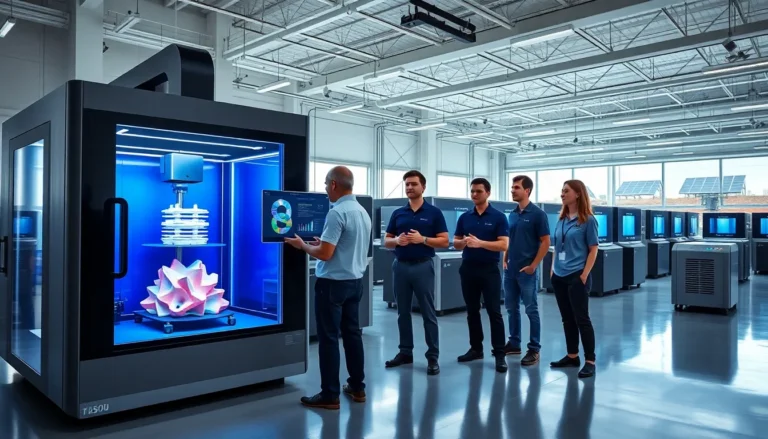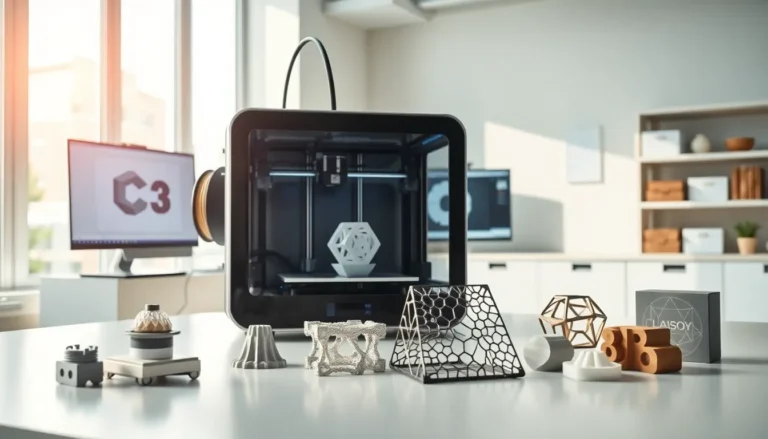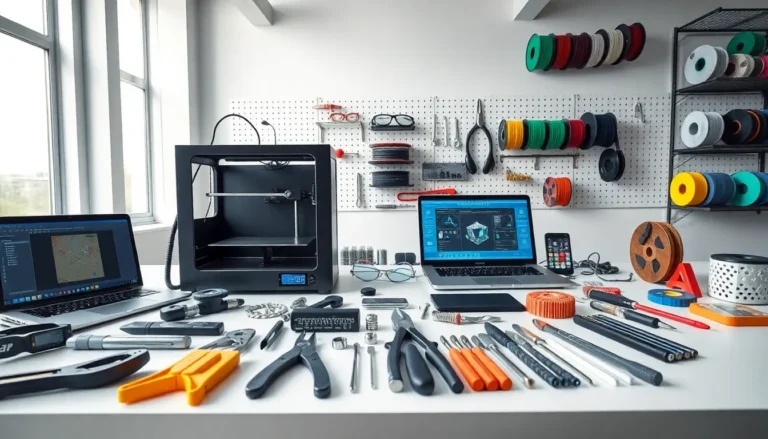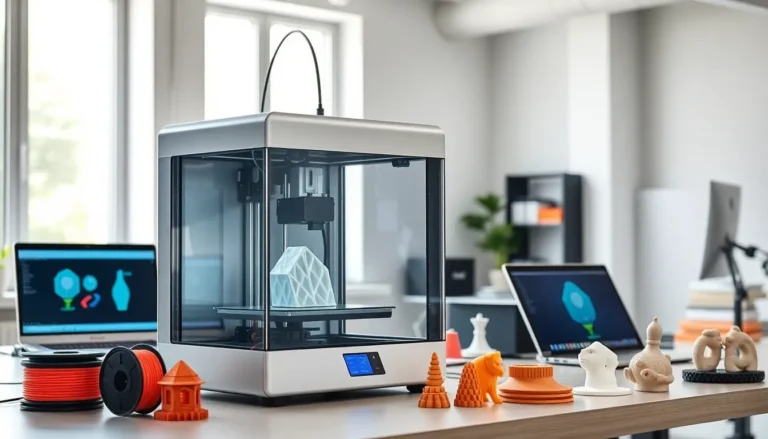
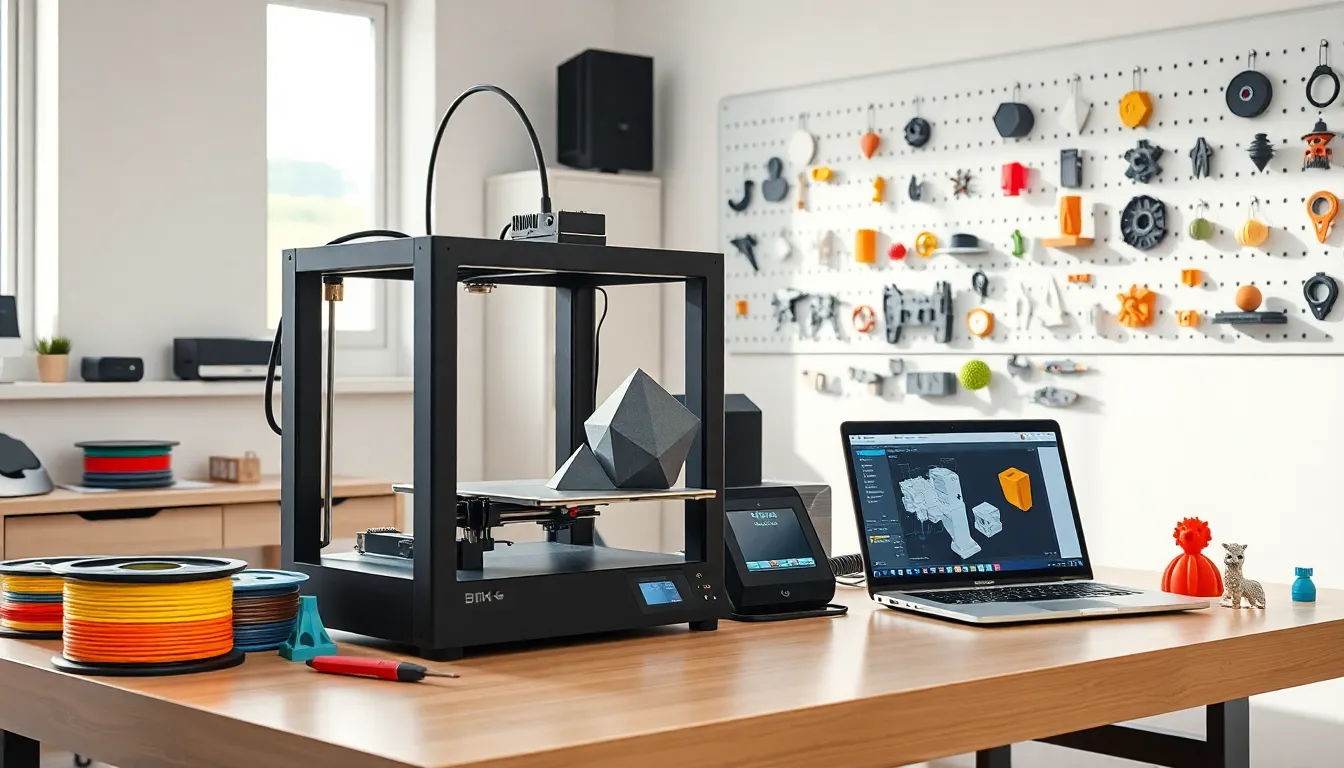
Best 3D printing technology has changed how people create objects at home and in professional settings. The industry offers machines for hobbyists, engineers, artists, and small business owners. Choosing the right printer depends on budget, materials, and intended use. This guide covers the main 3D printing technologies, top printers across price ranges, material options, and practical tips. Readers will learn what makes certain printers stand out and how to achieve consistent, high-quality results.
Table of Contents
ToggleKey Takeaways
- The best 3D printing technology for you depends on your budget, materials, and intended use—FDM suits beginners, resin excels at fine details, and SLS handles demanding functional parts.
- Budget-friendly printers like the Creality Ender 3 and Elegoo Mars deliver solid results under $300, while mid-range options add convenience features like auto-calibration.
- PLA is the most beginner-friendly filament, but PETG and ABS offer better durability for functional parts and mechanical applications.
- Proper bed leveling and temperature calibration are essential for successful prints—small adjustments prevent common issues like warping and weak layer adhesion.
- Regular printer maintenance, including nozzle cleaning and belt tensioning, ensures consistent, high-quality results from your best 3D printing setup.
- Mastering slicer settings gives you control over print speed, layer height, and support structures to optimize every project.
Understanding 3D Printing Technologies
Three main technologies dominate the best 3D printing market today: FDM, resin-based SLA/MSLA, and SLS. Each method serves different purposes and skill levels.
Fused Deposition Modeling (FDM)
FDM printers melt plastic filament and deposit it layer by layer. They’re the most common type for beginners and hobbyists. FDM machines handle materials like PLA, PETG, ABS, and TPU. Print quality varies based on nozzle size and layer height settings. Most users start here because FDM printers cost less and filament is affordable.
Stereolithography (SLA) and MSLA
Resin printers use UV light to cure liquid resin into solid objects. SLA uses a laser, while MSLA uses an LCD screen to project light. These printers produce finer details than FDM machines. Jewelry makers, miniature painters, and dental labs prefer resin technology. The tradeoff? Resin costs more, requires post-processing, and demands proper ventilation.
Selective Laser Sintering (SLS)
SLS printers fuse powdered materials using a laser. This technology creates strong functional parts without support structures. Industrial manufacturers use SLS for prototypes and end-use components. Desktop SLS options now exist, though they remain expensive for casual users.
Understanding these technologies helps buyers match their needs to the right printer type. FDM suits general prototyping. Resin excels at detail work. SLS handles demanding functional applications.
Top 3D Printers for Different Budgets
The best 3D printing experience depends on finding a machine that fits both budget and goals. Here’s a breakdown across three price tiers.
Budget-Friendly Options (Under $300)
The Creality Ender 3 series remains a popular entry point. It prints PLA and PETG reliably after basic setup. The Anycubic Kobra 2 offers automatic bed leveling, which saves beginners frustration. For resin, the Elegoo Mars series delivers impressive detail at low cost.
These printers require patience and occasional troubleshooting. But they teach valuable skills and produce solid results.
Mid-Range Performers ($300–$800)
Printers in this range add convenience features. The Bambu Lab A1 Mini includes automatic calibration, a camera, and fast print speeds. The Prusa MK4 combines reliability with excellent documentation and customer support. Both machines handle multiple filament types without constant adjustments.
Mid-range resin printers like the Anycubic Photon Mono X offer larger build volumes and faster cure times. Artists printing multiple miniatures benefit from this capacity.
Professional-Grade Machines ($800+)
The Bambu Lab X1 Carbon prints engineering-grade materials and includes an enclosure for temperature control. The Formlabs Form 3+ provides dental and jewelry professionals with precise resin printing. These machines suit users who need consistent output for business purposes.
Buyers should consider print volume, material compatibility, and time investment when selecting a best 3D printing solution. Spending more typically means less tinkering and more printing.
Best Materials for Quality 3D Prints
Material choice affects strength, appearance, and printing difficulty. The best 3D printing results come from matching materials to specific applications.
PLA (Polylactic Acid)
PLA is the most beginner-friendly filament. It prints at lower temperatures, doesn’t warp easily, and produces minimal odor. Decorative items, prototypes, and educational projects work well with PLA. But, it softens in heat and isn’t ideal for functional parts under stress.
PETG and ABS
PETG offers better durability than PLA while remaining relatively easy to print. It resists moisture and handles moderate heat. ABS provides even greater strength but requires an enclosed printer due to warping and fumes. Both materials suit mechanical parts and enclosures.
Specialty Filaments
TPU creates flexible prints for phone cases, gaskets, and grips. Carbon fiber-infused filaments add stiffness for drone frames and tool handles. Wood and metal-filled options provide unique aesthetics for artistic projects.
Resin Types
Standard resin works for display models and miniatures. Tough resin handles functional prototypes. Water-washable resin simplifies cleanup. Flexible resin creates bendable parts. Each formula balances detail, strength, and ease of use.
Experimenting with different materials expands what users can create. Starting with PLA builds confidence before moving to demanding options.
Essential Tips for Successful 3D Printing
Even the best 3D printing equipment produces poor results without proper technique. These tips help users avoid common problems.
Level the Bed Correctly
First layer adhesion determines print success. A bed that’s too far from the nozzle causes filament to lift. Too close, and filament won’t extrude properly. Use a piece of paper to check the gap, it should drag slightly when pulled.
Calibrate Temperature Settings
Every filament brand behaves differently. Print a temperature tower to find the sweet spot. Too hot causes stringing and oozing. Too cold leads to weak layer bonding. Document what works for each material spool.
Use Proper Supports and Orientation
Overhangs beyond 45 degrees need support structures. Orienting parts to minimize overhangs reduces support waste and improves surface quality. Tree supports in slicing software often work better than standard options.
Maintain the Printer
Clean the nozzle regularly to prevent clogs. Lubricate linear rails and lead screws every few months. Check belt tension if prints show layer shifting. A well-maintained machine produces consistent results.
Slice with Purpose
Slicing software controls everything from layer height to print speed. Slower speeds improve quality on detailed sections. Thicker layers speed up simple shapes. Learning slicer settings gives users control over the final outcome.
These practices transform frustrating failed prints into reliable success.