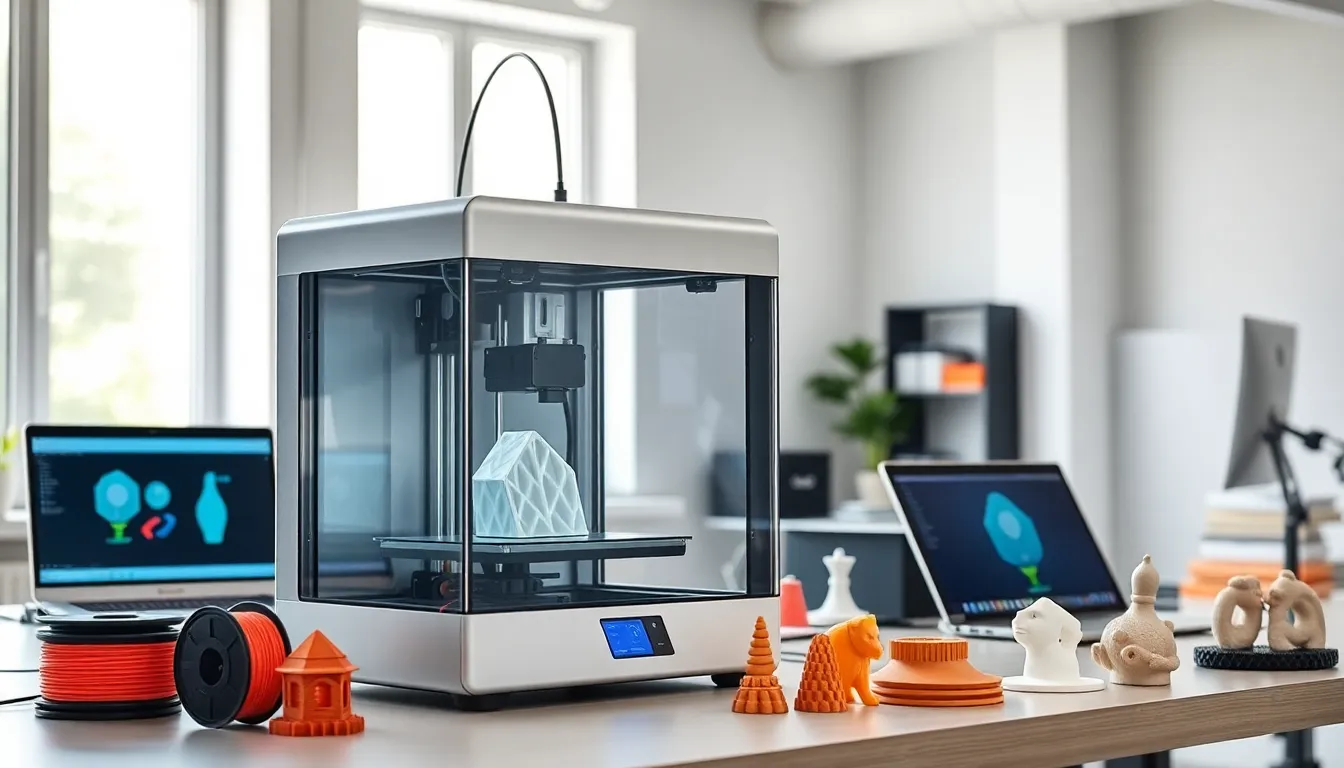
3D printing has changed how industries create products, prototypes, and custom parts. This technology builds objects layer by layer from digital files, offering speed and flexibility that traditional manufacturing methods cannot match. Hobbyists, engineers, and medical professionals now use 3D printing for projects ranging from simple household items to complex aerospace components.
This guide covers how 3D printing works, the main technologies available, real-world applications, and practical steps for beginners. Whether someone wants to understand the basics or explore professional uses, this article provides clear answers.
Table of Contents
ToggleKey Takeaways
- 3D printing builds objects layer by layer from digital files, offering speed and customization that traditional manufacturing cannot match.
- FDM printers provide the best starting point for beginners, with reliable machines available between $200 and $600.
- Industries from healthcare to aerospace use 3D printing for custom prosthetics, lightweight components, and rapid prototyping.
- Material options for 3D printing range from plastics like PLA and ABS to metals, resins, and ceramics for specialized applications.
- Free slicer software like Cura and design libraries like Thingiverse make it easy to start 3D printing projects without upfront costs.
- SLA and SLS technologies deliver higher detail and strength for professional applications but require greater investment and post-processing.
How 3D Printing Works
3D printing, also called additive manufacturing, creates physical objects from digital designs. The process starts with a 3D model file, typically in STL or OBJ format. Software called a slicer then divides this model into thin horizontal layers.
The 3D printer reads these layer instructions and deposits material one layer at a time. Each layer bonds to the one below it. This continues until the full object takes shape. The approach differs from traditional manufacturing, which often removes material through cutting or drilling.
Most 3D printing processes follow these basic steps:
- Design creation – Users create a 3D model using CAD software or download existing designs from online libraries.
- File preparation – Slicer software converts the model into printer instructions (G-code).
- Printing – The machine builds the object layer by layer.
- Post-processing – Finished prints may need support removal, sanding, or curing depending on the material.
3D printing times vary widely. A small keychain might take 30 minutes, while a detailed figurine could require 10 hours or more. Layer height, print speed, and object size all affect duration.
Material options for 3D printing include plastics like PLA and ABS, resins, metals, ceramics, and even food-safe compounds. Each material offers different properties for strength, flexibility, and heat resistance.
Common Types of 3D Printing Technologies
Several 3D printing technologies exist, each suited to different needs and budgets. Here are the most widely used methods:
Fused Deposition Modeling (FDM)
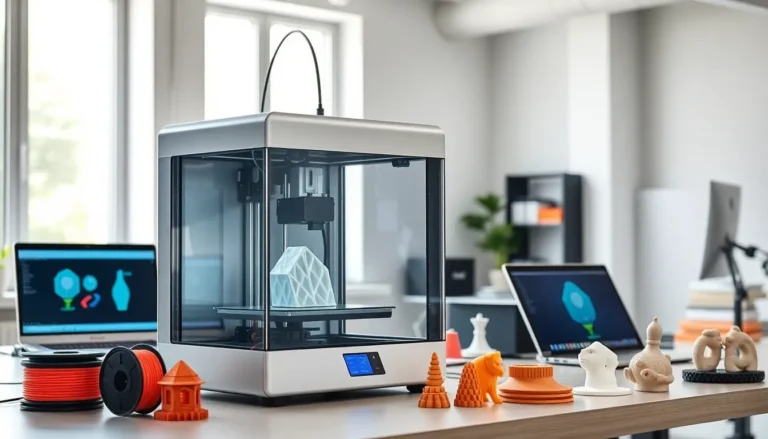
FDM is the most popular 3D printing method for home users and small businesses. The printer heats plastic filament and extrudes it through a nozzle. The material solidifies as it cools, forming each layer.
FDM printers are affordable and easy to maintain. They work well for prototypes, functional parts, and hobby projects. Common materials include PLA, PETG, and ABS.
Stereolithography (SLA)
SLA uses a UV laser to cure liquid resin into solid plastic. This method produces very detailed prints with smooth surfaces. Jewelry designers, dentists, and miniature collectors often choose SLA for its precision.
SLA 3D printing requires more post-processing than FDM. Prints need washing in isopropyl alcohol and additional UV curing. Resin also costs more than plastic filament.
Selective Laser Sintering (SLS)
SLS uses a laser to fuse powdered material, typically nylon. The powder bed supports the object during printing, so no support structures are needed. This makes SLS ideal for complex geometries.
SLS machines are expensive and mainly used in industrial settings. The technology produces strong, functional parts suitable for end-use applications.
Direct Metal Laser Sintering (DMLS)
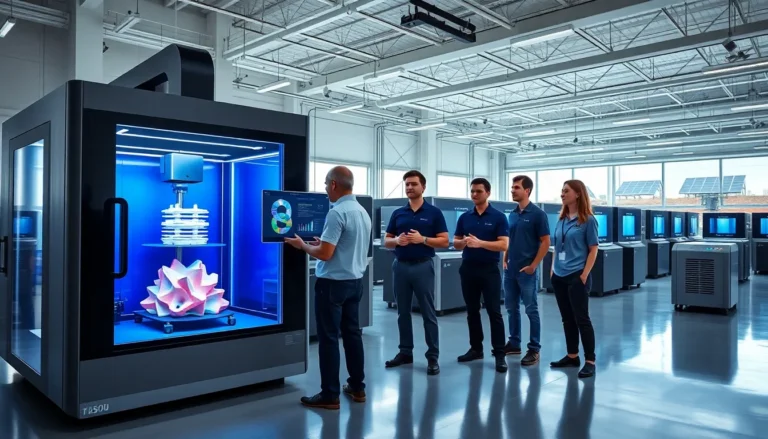
DMLS applies similar principles to metal powders. Aerospace, automotive, and medical industries use this 3D printing method to create titanium, aluminum, and steel parts. The cost remains high, but metal 3D printing enables designs impossible with traditional machining.
Popular Applications Across Industries
3D printing serves numerous industries with practical applications that save time and money.
Healthcare and Medicine
Hospitals use 3D printing to create custom prosthetics, dental implants, and surgical guides. Doctors can print patient-specific models from CT scans to practice complex procedures. Researchers are also developing bioprinting techniques to create tissue structures.
Aerospace and Automotive
Aircraft manufacturers use 3D printing to produce lightweight components that reduce fuel consumption. GE Aviation, for example, 3D prints fuel nozzles for jet engines. Car companies prototype new designs quickly and produce custom tooling with additive manufacturing.
Consumer Products
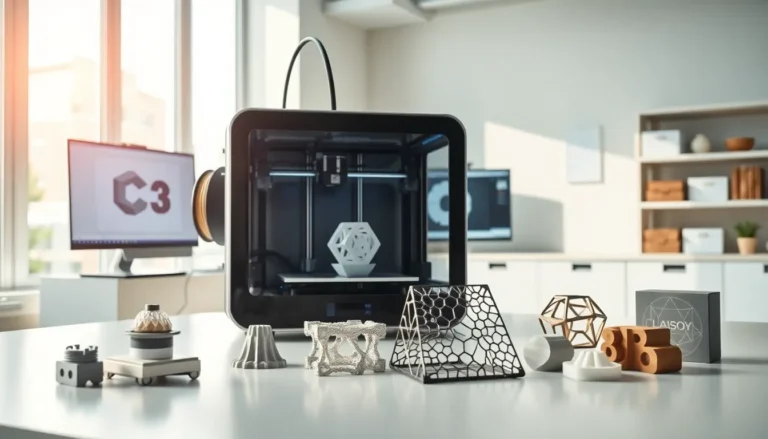
From phone cases to eyewear frames, 3D printing enables mass customization. Companies can offer personalized products without traditional tooling costs. Small batch production becomes economical.
Architecture and Construction
3D printing creates detailed architectural models for client presentations. Some companies now print entire building structures using concrete extrusion methods. This approach reduces construction waste and labor costs.
Education and Research
Schools use 3D printing to teach design thinking and engineering principles. Students see their ideas become physical objects within hours. Universities employ the technology for research prototypes across multiple disciplines.
Getting Started With 3D Printing
Beginning with 3D printing requires a few key decisions and some basic equipment.
Choosing a Printer
For beginners, an FDM printer offers the best balance of cost, ease of use, and capability. Entry-level machines from brands like Creality, Prusa, and Bambu Lab cost between $200 and $600. They handle most hobbyist and prototyping needs.
Those needing high detail should consider resin printers. Elegoo and Anycubic offer quality SLA machines under $300.
Essential Supplies
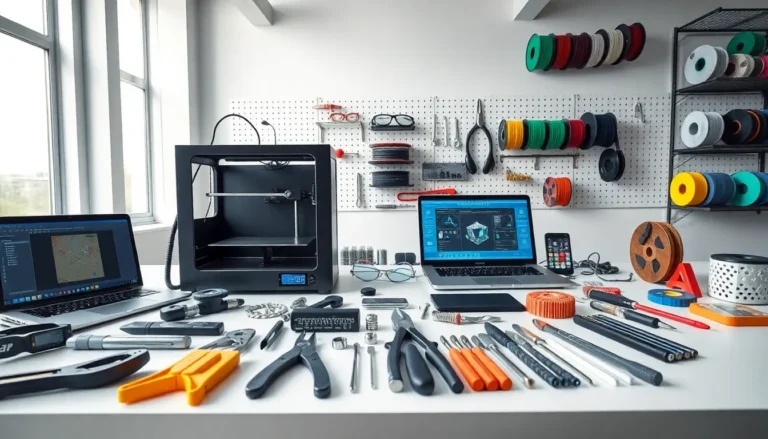
Beyond the printer, users need:
- Filament or resin – PLA filament works well for starters: it prints easily and produces minimal odor.
- Slicer software – Free options like Cura, PrusaSlicer, or Bambu Studio convert 3D models into print files.
- Basic tools – Spatulas, flush cutters, and tweezers help with print removal and cleanup.
Learning Resources
Online communities like Reddit’s r/3Dprinting and YouTube channels provide tutorials and troubleshooting advice. Sites like Thingiverse and Printables offer thousands of free 3D printing designs to download.
Starting with simple projects builds confidence. Users can then progress to designing custom objects using free CAD programs like Fusion 360 or TinkerCAD.