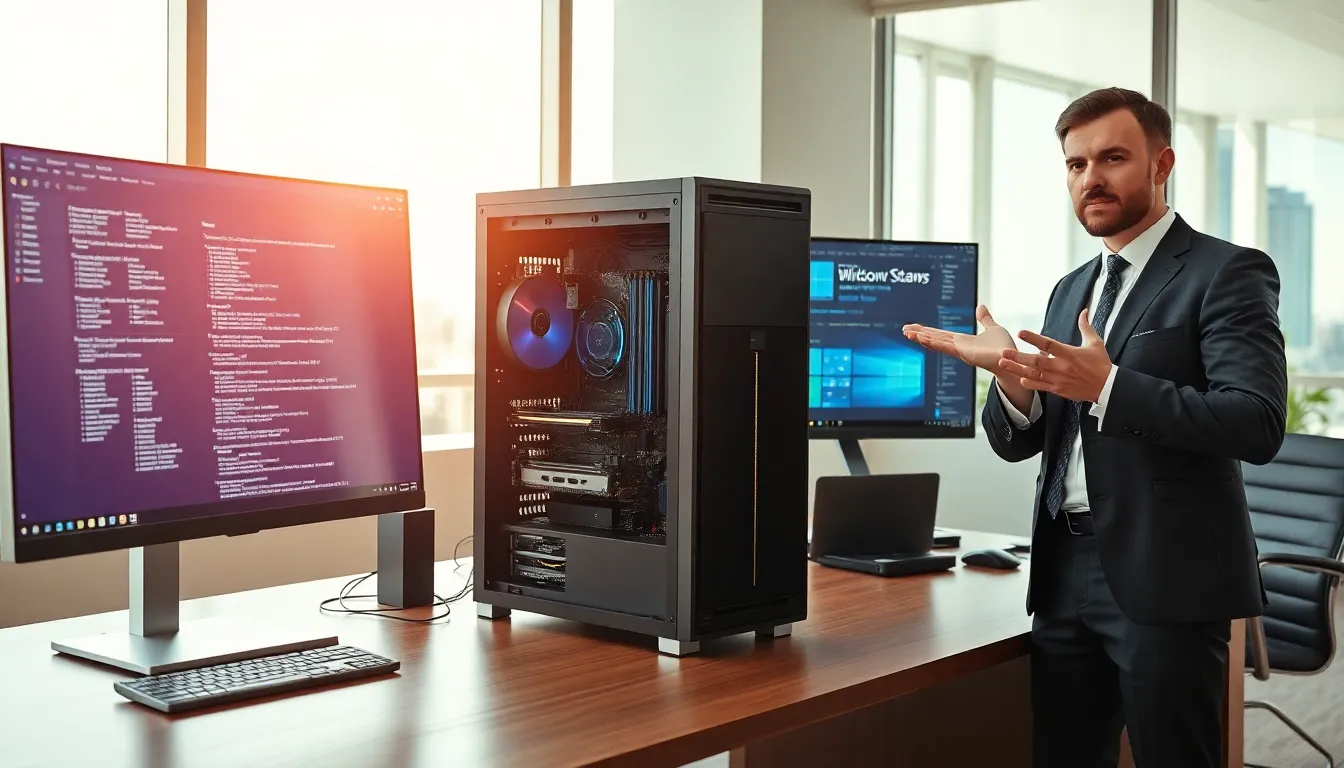
Hardware vs software, these two terms get tossed around constantly, yet many people struggle to explain the actual difference. Here’s the short version: hardware is the physical stuff you can touch, while software is the code that tells that physical stuff what to do. Simple enough, right?
But there’s more to it. Understanding the hardware vs software distinction matters whether you’re troubleshooting a slow computer, buying new tech, or just trying to sound informed during IT conversations. This article breaks down what each term means, highlights their core differences, and explains how they work together to make modern technology function.
Table of Contents
ToggleKey Takeaways
- Hardware vs software comes down to physical components you can touch versus the code and programs that run on them.
- Hardware includes CPUs, RAM, hard drives, and peripherals—components that wear out over time and require physical repair or replacement.
- Software encompasses operating systems, applications, and utilities that can be updated, modified, or reinstalled without touching physical parts.
- Drivers and firmware act as essential bridges in the hardware vs software relationship, enabling communication between physical components and programs.
- Troubleshooting effectively requires identifying whether a problem is hardware-related (physical failure) or software-related (bugs, malware, or configuration issues).
- Neither hardware nor software functions independently—optimal performance requires both working together efficiently.
What Is Hardware?
Hardware refers to the physical components of a computer or electronic device. These are the parts you can see, touch, and, if things go wrong, potentially drop on your foot.
Common examples of hardware include:
- Central Processing Unit (CPU): The brain of the computer that executes instructions
- Random Access Memory (RAM): Temporary storage that holds data for active programs
- Hard drives and SSDs: Long-term storage devices for files and applications
- Motherboard: The main circuit board connecting all components
- Graphics card (GPU): Processes visual data and renders images
- Monitor, keyboard, and mouse: Input and output devices for user interaction
Hardware can be categorized into two main types: internal and external. Internal hardware sits inside the computer case, think CPUs, RAM sticks, and power supplies. External hardware connects from outside, like printers, webcams, and external hard drives.
One key characteristic of hardware is its fixed nature. A stick of RAM doesn’t suddenly become a graphics card. Hardware performs specific functions based on its design. When hardware fails, you typically need to repair or replace the physical component. This contrasts sharply with software issues, which can often be fixed with updates or reinstallation.
Hardware also degrades over time. Components wear out, overheat, or simply become outdated as technology advances. That gaming PC you built five years ago? Its hardware might struggle with today’s demanding applications.
What Is Software?
Software consists of programs, applications, and operating systems that run on hardware. Unlike hardware, software has no physical form, it exists as code, instructions, and data stored electronically.
Software falls into three main categories:
System Software: This includes operating systems like Windows, macOS, and Linux. System software manages hardware resources and provides a platform for other programs to run. Without it, your computer would be an expensive paperweight.
Application Software: These are the programs people use daily, web browsers, word processors, games, and productivity tools. Application software performs specific tasks that users actually care about.
Utility Software: Think antivirus programs, disk cleanup tools, and backup applications. Utility software helps maintain and optimize system performance.
Software can be modified, updated, and completely rewritten without touching any physical components. Developers release patches to fix bugs. Companies push updates to add features. Users can uninstall programs and install new ones within minutes.
This flexibility makes software fundamentally different from hardware. A smartphone’s hardware stays the same from purchase to disposal, but its software evolves constantly through updates. The hardware vs software relationship here is clear: one provides the foundation, the other provides the functionality.
Software also comes in different licensing models, proprietary software like Microsoft Office, open-source software like LibreOffice, and freeware like VLC Media Player. Each model affects how users can access, modify, and distribute the programs.
Core Differences Between Hardware and Software
The hardware vs software comparison reveals several fundamental distinctions:
Physical vs Digital
Hardware exists in the physical world. You can hold a processor in your hand. Software exists as electronic data, lines of code stored on storage devices. You can’t physically touch software any more than you can touch a thought.
Tangible Failure vs Bugs
When hardware fails, something breaks physically. A cracked screen stays cracked. A burnt-out power supply won’t magically repair itself. Software failures, bugs, crashes, freezes, can usually be fixed through code changes, updates, or reinstallation. No soldering required.
Manufacturing vs Development
Hardware is manufactured in factories using raw materials, assembly lines, and quality control processes. Software is developed by programmers writing code. The production processes couldn’t be more different. Hardware requires physical resources and logistics. Software requires human creativity and computing power.
Cost Structure
Hardware involves significant upfront costs for materials and manufacturing. Software development costs center on labor, paying programmers, designers, and testers. Once created, software can be copied infinitely at near-zero cost. Try doing that with a laptop.
Lifespan and Obsolescence
Hardware wears out through physical use. Fans collect dust, batteries lose capacity, and circuits eventually fail. Software doesn’t degrade from use, but it becomes obsolete when newer versions emerge or when the hardware it runs on can no longer support it.
Customization
Software offers extensive customization through settings, preferences, and configuration options. Hardware customization is limited to what manufacturers offer or requires technical skills for modifications like overclocking or component upgrades.
The hardware vs software distinction matters for troubleshooting too. Is your computer slow because the hard drive is failing (hardware) or because malware is consuming resources (software)? Knowing the difference saves time and money.
How Hardware and Software Work Together
Hardware and software depend on each other completely. Neither functions independently, hardware without software is useless, and software without hardware has nowhere to run.
This relationship works through layers. At the bottom sits the hardware: processors, memory, storage, and peripherals. Above that, the operating system acts as a translator between hardware and applications. At the top, application software performs the tasks users actually want to accomplish.
Consider what happens when you click a mouse button. The mouse (hardware) sends an electrical signal through the USB port (hardware) to the motherboard (hardware). The operating system (software) interprets this signal and determines what action to take. If you clicked on a file, the file manager application (software) responds by opening it.
Drivers serve as crucial connectors in this hardware vs software relationship. These small software programs tell the operating system how to communicate with specific hardware components. Without the right drivers, a printer won’t print, a graphics card won’t display properly, and a webcam won’t capture video.
Firmware blurs the line between hardware and software. It’s software permanently programmed into hardware, like the BIOS in your computer or the embedded code in your router. Firmware gives hardware basic instructions for operation before the operating system even loads.
Performance depends on this partnership. The fastest software can’t overcome slow hardware limitations. Conversely, powerful hardware can’t compensate for poorly written software. The best computing experience requires both elements working efficiently together.