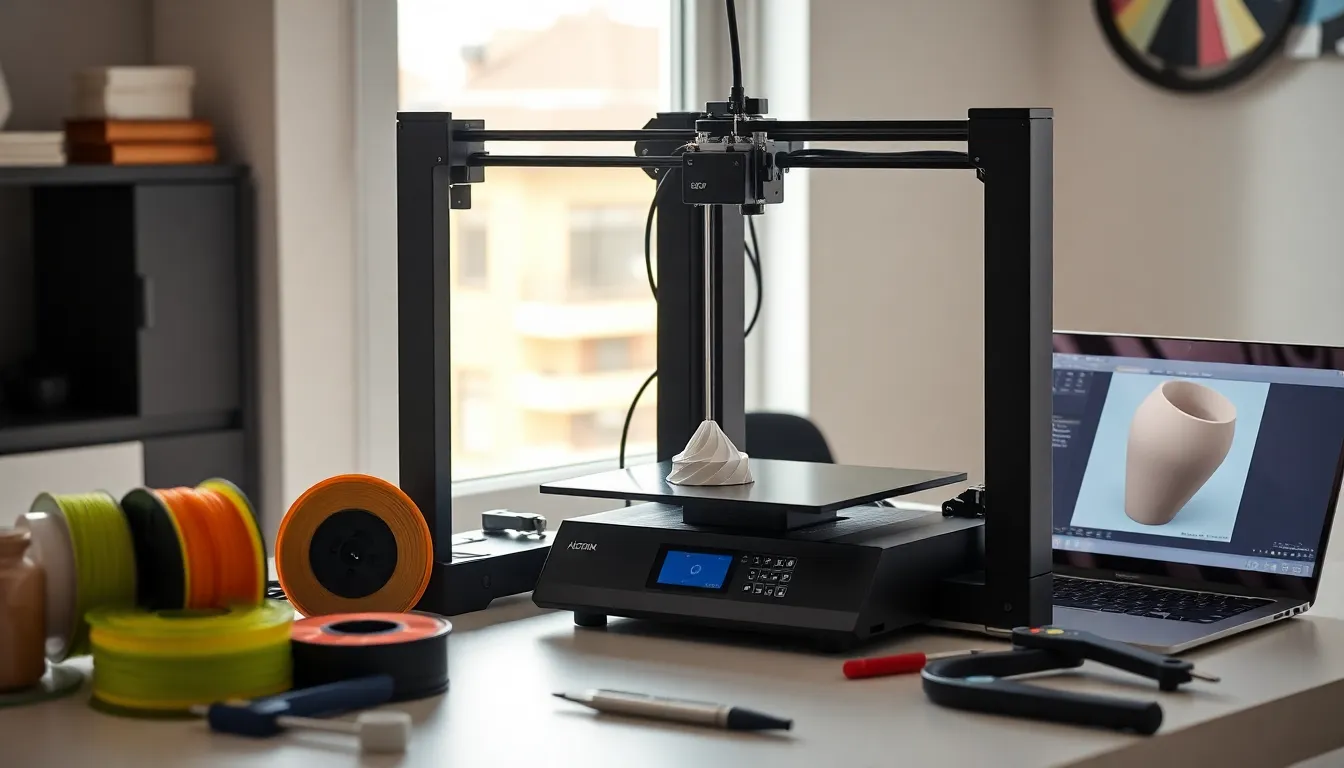
Learning how to 3D printing works opens up a world of creative possibilities. From custom phone cases to replacement parts for household items, 3D printing lets anyone turn digital designs into physical objects. The technology has become more accessible than ever, with affordable printers now available for home use. This guide covers everything beginners need to know about 3D printing, from selecting the right equipment to completing a first successful print.
Table of Contents
ToggleKey Takeaways
- Learning how to 3D printing works starts with understanding FDM technology, which builds objects layer by layer using heated plastic filament.
- Entry-level 3D printers ($150–$300) like the Creality Ender 3 series offer excellent value for beginners ready to learn.
- PLA filament is the most beginner-friendly material due to its low printing temperature, minimal odor, and ease of use.
- A successful first layer is critical—always level your bed properly and watch the initial layers closely before walking away.
- Start with simple test prints like calibration cubes or Benchy boats before attempting complex projects.
- Avoid common mistakes like printing too fast, using wet filament, and skipping regular printer maintenance.
Understanding the Basics of 3D Printing
3D printing creates three-dimensional objects from digital files. The process works by building objects layer by layer, which is why it’s also called additive manufacturing.
Here’s how 3D printing works in simple terms:
- A user creates or downloads a 3D model file (usually in STL format)
- Slicing software converts the model into instructions the printer can read
- The printer deposits material layer by layer until the object is complete
The most common type of 3D printing for beginners is Fused Deposition Modeling (FDM). FDM printers heat plastic filament and push it through a nozzle. The nozzle moves across a build plate, depositing thin layers of melted plastic that cool and harden.
Resin printing (SLA/MSLA) is another popular method. These printers use UV light to cure liquid resin into solid objects. Resin printers produce finer details but require more post-processing and safety precautions.
For those just learning how to 3D printing fits into their projects, FDM offers the easiest entry point. The materials are affordable, the process is straightforward, and mistakes are less costly.
Choosing the Right 3D Printer for Your Needs
Selecting a 3D printer depends on budget, intended use, and technical comfort level. Beginners should consider several factors before purchasing.
Budget Categories
- Entry-level ($150–$300): Printers like the Creality Ender 3 series offer solid performance at low cost. They may require assembly and calibration.
- Mid-range ($300–$600): These printers often include features like auto-leveling, enclosed frames, and better print quality out of the box.
- Premium ($600+): High-end options provide larger build volumes, multiple material support, and professional-grade results.
Key Features to Evaluate
Build volume determines the maximum size of objects the printer can create. A 220x220x250mm build area suits most beginner projects.
Heated bed prevents prints from warping and allows use of more materials. Most modern printers include this feature.
Auto-leveling saves time and frustration. Manual bed leveling works fine but requires patience to learn.
Community support matters more than most specs. Popular printers have active forums, YouTube tutorials, and readily available replacement parts.
For anyone researching how to 3D printing fits their budget, starting with a well-reviewed entry-level printer makes sense. Upgrading later is always an option once skills develop.
Essential Materials and Equipment
Beyond the printer itself, several supplies are necessary for successful 3D printing.
Filament Types
PLA (Polylactic Acid) is the most beginner-friendly material. It prints at lower temperatures, doesn’t require a heated enclosure, and produces minimal odor. PLA works well for decorative items, prototypes, and household objects.
PETG offers more durability and flexibility than PLA. It handles heat better and resists impact. PETG is a good step up once basic 3D printing skills are established.
ABS is strong and heat-resistant but requires higher temperatures and good ventilation. Most beginners skip ABS until they gain experience.
Additional Equipment
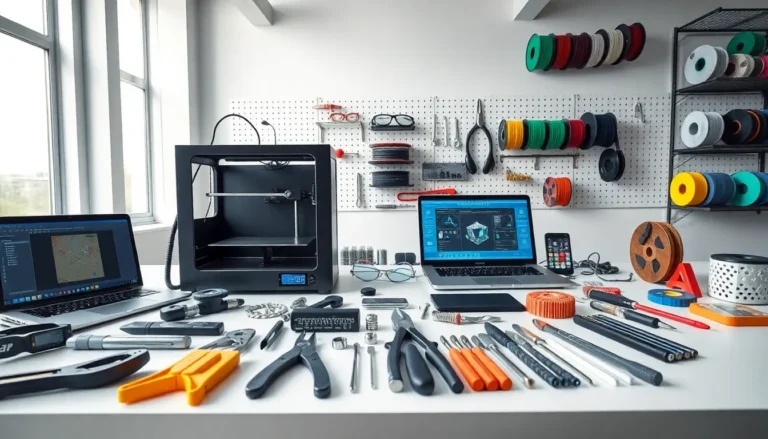
- Blue painter’s tape or glue stick: Helps prints stick to the bed
- Isopropyl alcohol: Cleans the build plate between prints
- Scraper or spatula: Removes finished prints safely
- Digital calipers: Measures parts and checks print accuracy
- Needle-nose pliers: Removes support material
- Flush cutters: Trims excess plastic cleanly
Software
Two types of software are essential for 3D printing:
Slicer software (like Cura, PrusaSlicer, or Bambu Studio) converts 3D models into printable instructions. These programs are free and include preset profiles for popular printers.
3D modeling software creates original designs. Tinkercad offers a free, browser-based option perfect for beginners. More advanced users might explore Fusion 360 or Blender.
Creating Your First 3D Print Step by Step
The first print is exciting, and sometimes frustrating. Following a methodical process increases the chances of success.
Step 1: Set Up the Printer
Assemble the printer according to the manufacturer’s instructions. Level the bed carefully. The nozzle should be close enough to the bed that a piece of paper slides underneath with slight resistance.
Step 2: Load Filament
Heat the nozzle to the appropriate temperature for the filament (around 200°C for PLA). Feed the filament through the extruder until plastic flows smoothly from the nozzle.
Step 3: Choose a Test Model
Don’t start with an ambitious project. Download a simple test print like a calibration cube or “Benchy” boat from sites like Thingiverse or Printables. These models help identify any printer issues.
Step 4: Slice the Model
Open the slicer software and import the model file. Select the printer profile and material type. Standard settings work fine for first prints, resist the urge to tweak everything.
Key settings to know:
- Layer height: 0.2mm is a good starting point
- Infill: 15-20% works for most objects
- Print speed: Slower speeds (40-50mm/s) improve quality for beginners
Step 5: Start Printing
Save the sliced file to an SD card or send it directly to the printer. Watch the first few layers closely. If the filament doesn’t stick or looks stringy, stop and re-level the bed.
A successful first layer is the foundation of any good print. Once those initial layers look smooth and consistent, the rest usually follows.
Learning how to 3D printing produces quality results takes practice. Each print teaches something new about settings, materials, and technique.
Common Mistakes to Avoid
New 3D printing enthusiasts often make the same errors. Knowing these pitfalls ahead of time saves hours of troubleshooting.
Skipping bed leveling: An uneven bed causes most first-layer failures. Check the level before every few prints, especially on budget printers.
Printing too fast: Speed kills quality. Slow down until consistent results become the norm. Speed can increase gradually with experience.
Ignoring ambient temperature: Drafts and cold rooms cause warping and layer separation. Keep the printer away from windows, vents, and air conditioning.
Using wet filament: PLA and especially PETG absorb moisture from the air. Wet filament pops, oozes, and produces rough surfaces. Store filament in sealed bags with desiccant.
Over-complicating early projects: Complex models with lots of overhangs and fine details will fail. Build skills with simpler prints first.
Neglecting maintenance: Clean the nozzle regularly. Check belts for proper tension. Lubricate moving parts as recommended. A well-maintained printer produces better results.
Most problems with 3D printing have solutions documented online. When something goes wrong, a quick search usually reveals the fix.